

BLOG
21 Cutlist Optimizer Tips to Maximize Savings


A cutlist optimizer is an essential tool for anyone in the woodworking or manufacturing industry, helping to maximize material usage and reduce waste. By generating efficient cut plans, you can save money, time, and resources. These 21 cutlist optimizer tips will guide you in utilizing this tool to its full potential, ensuring that your cuts are as efficient as possible. Whether you’re a seasoned pro or just starting, these tips will help you streamline your projects and cut down on costs.
1. Understand the Material Size and Shape
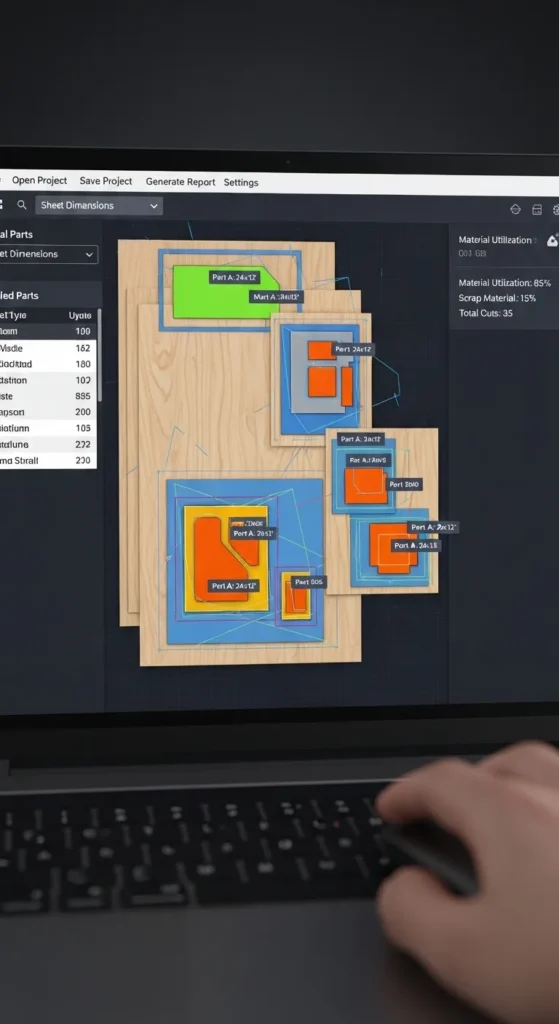
To make the most of your cutlist optimizer, it’s essential to understand the exact size and shape of the materials you’re working with. Knowing these dimensions ensures that you can input accurate data into the optimizer, resulting in more efficient cut plans.
When you start with accurate material information, the optimizer can generate precise cutting patterns that minimize waste. By understanding the material’s shape, you can also explore creative cutting options, potentially saving even more material for future projects.
2. Plan Ahead for Future Projects

One of the best ways to maximize savings with a cutlist optimizer is to plan ahead for future projects. If you’re working on multiple projects over time, inputting your needs into the optimizer can help you foresee material requirements.
By organizing your material purchases and cut patterns for future work, you can take advantage of bulk buying and avoid unnecessary waste. The optimizer allows you to keep a running tally of your material usage, so you’re always prepared for upcoming projects, maximizing both efficiency and cost-effectiveness.
3. Consider the Grain Direction
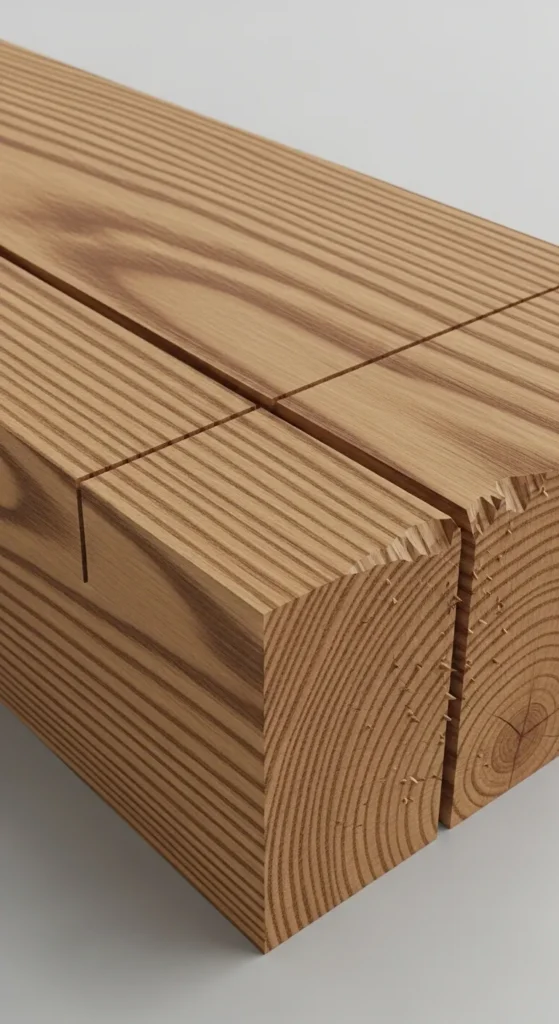
The direction of the grain in your materials can significantly affect the quality of your cuts. When using a cutlist optimizer, always consider the grain direction to avoid weak points in your cuts that could result in wastage or poor-quality results.
Proper grain direction ensures that cuts are structurally sound and more aesthetically pleasing, especially in woodworking projects. The optimizer can help plan cuts that follow the grain, providing a more stable and visually appealing outcome while still minimizing waste.
4. Use Efficient Cutting Algorithms
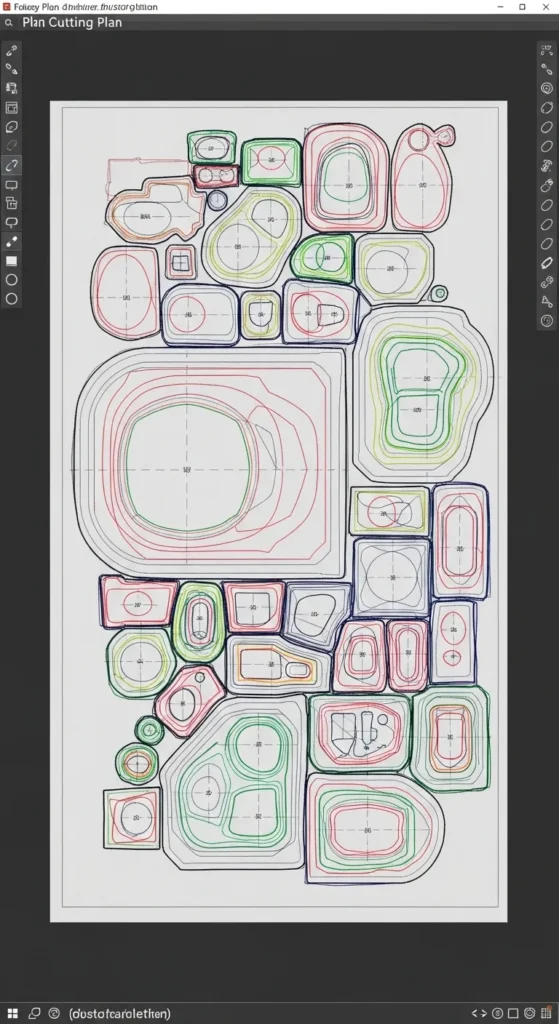
Cutlist optimizers come with different algorithms designed to find the most efficient cutting patterns. Using algorithms that focus on minimizing scrap material ensures that your cuts are as efficient as possible.
These algorithms take into account the specific dimensions of your materials, cutting tools, and the items you’re building. By optimizing the cutting patterns, you can reduce waste and improve the overall use of your materials, resulting in significant savings over time.
5. Input All Project Measurements
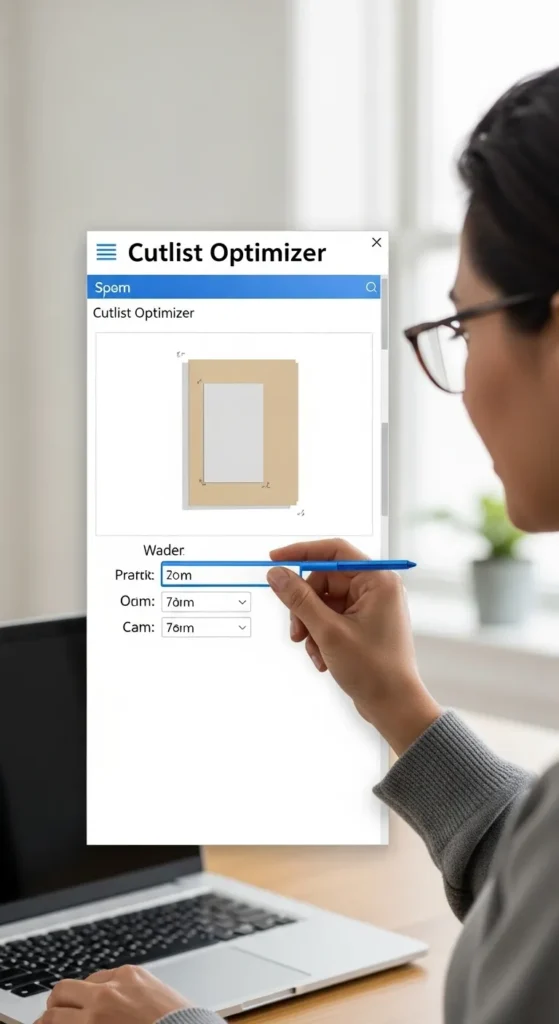
When entering data into the cutlist optimizer, be sure to input all project measurements as accurately as possible. This includes length, width, and height of all parts, as well as allowances for saw blades or kerf.
Accurate measurements allow the optimizer to create a more precise cutting plan, preventing overcutting or undercutting and reducing the risk of material wastage. It’s also essential for achieving the highest quality results in your projects, ensuring that every piece fits perfectly into your design.
6. Keep Track of Material Waste
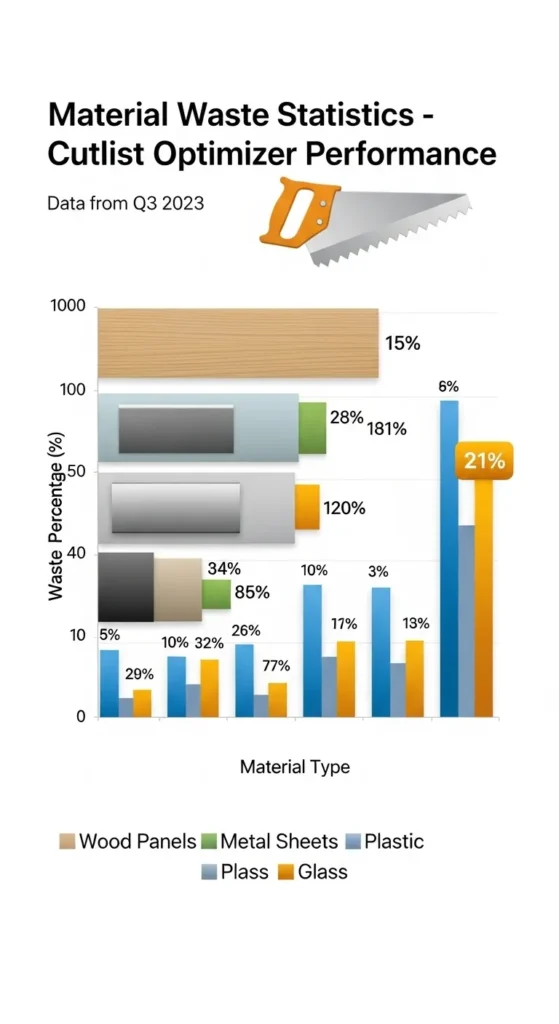
A good cutlist optimizer tracks material waste, helping you identify areas for improvement. By regularly reviewing waste data, you can make adjustments to your cutting plans or material choices, which can lead to better material utilization in future projects.
By minimizing waste, you not only save money but also reduce your environmental footprint. The optimizer’s ability to show material waste statistics gives you insight into how much scrap you’re generating and where you can make improvements to your cutting processes.
7. Use Scrap for Smaller Parts

Rather than discarding leftover scrap, consider using it for smaller parts of your project. The cutlist optimizer can help identify opportunities to use scrap materials effectively, ensuring that no material goes to waste.
By utilizing scrap for smaller components, you can make the most of your original material. This practice not only saves money but also promotes sustainable practices by reducing unnecessary waste, a win for both your wallet and the environment.
8. Optimize for Multiple Pieces at Once
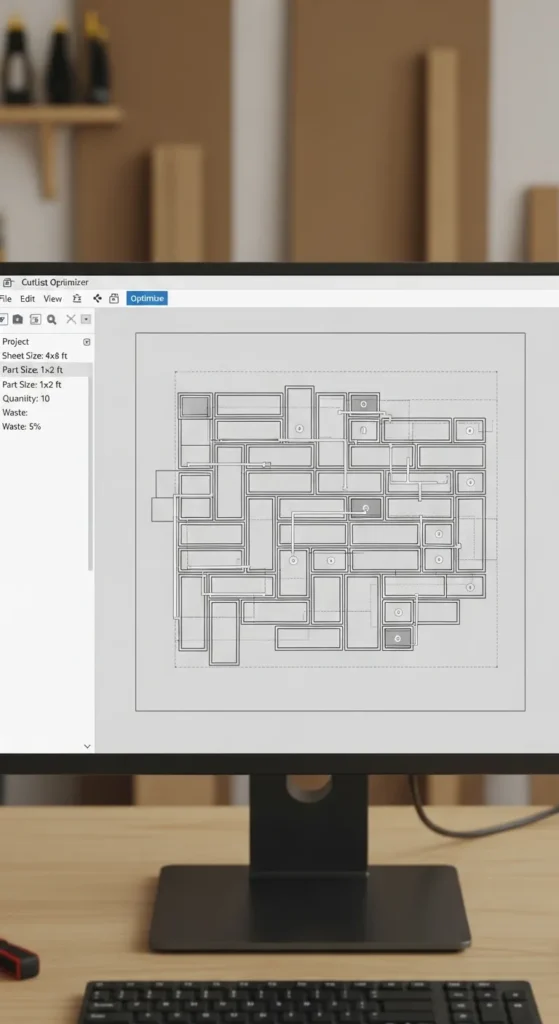
If you’re cutting multiple identical pieces, such as table legs or cabinet panels, the cutlist optimizer can create a cutting plan that ensures maximum material usage. The software can group similar cuts together to minimize waste.
By optimizing cuts for multiple pieces at once, you reduce the amount of scrap material left behind. This approach maximizes the use of each sheet or board, saving you both time and money in the process, especially in large-scale projects.
9. Use a Professional-Grade Optimizer
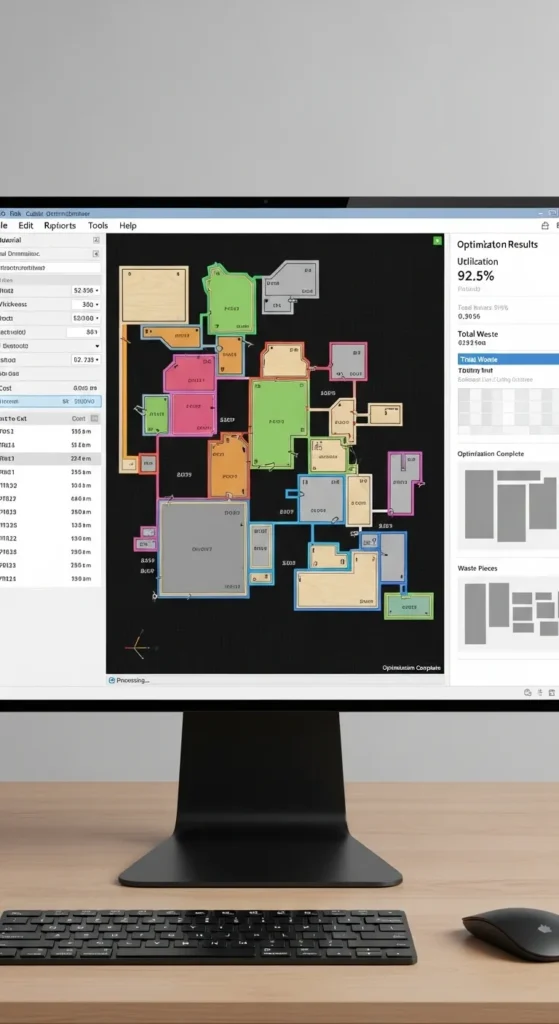
Using a professional-grade cutlist optimizer software often results in more accurate and efficient cuts. These tools offer advanced features such as nesting algorithms, 3D modeling, and detailed reporting, which can take your cutting plans to the next level.
While these programs may come with a higher price tag, the added features and precision can lead to significant savings over time by reducing material waste and increasing overall project efficiency. Investing in a professional optimizer ensures the best results, especially for complex or large-scale projects.
10. Review Cutting Plans for Efficiency

After generating your cutting plan with a cutlist optimizer, take the time to review it for efficiency. Look for areas where you can reduce material waste by adjusting cuts or reordering pieces. Reviewing cutting plans before you begin the project ensures you’re making the best use of your materials.
This final review process can help you identify small tweaks that make a big difference in the overall material savings. It’s a step that ensures you’re using the cutlist optimizer to its full potential, improving efficiency and reducing unnecessary costs.
11. Use the Kerf Calculation
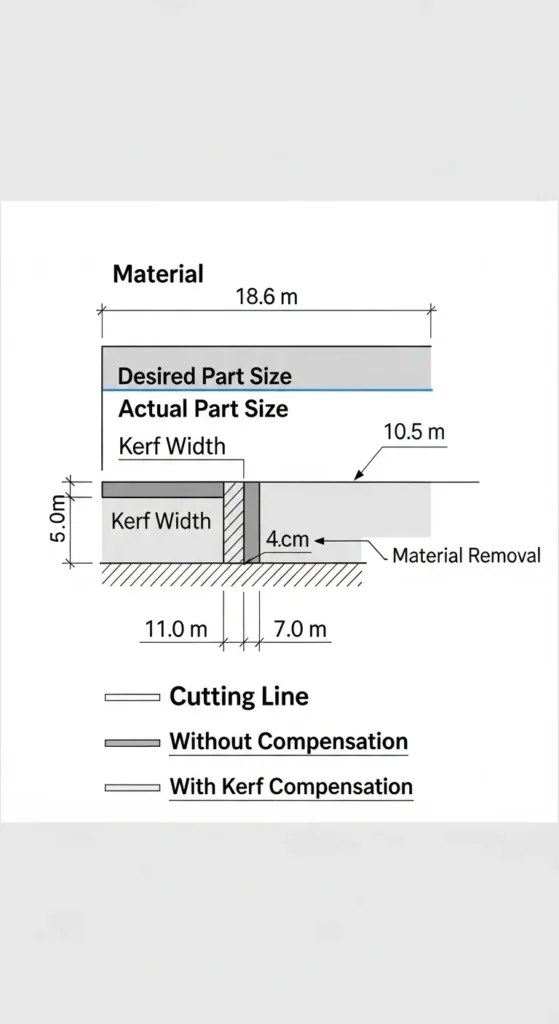
The kerf is the width of the material lost to the saw blade during cutting, and it’s essential to account for this in the cutlist optimizer. By inputting the kerf measurement, you ensure that the optimizer generates accurate cutting patterns that account for every fraction of your material, preventing overcutting.
This small adjustment makes a significant difference in the overall material savings, especially when working with thick or hard-to-cut materials. Ensuring that the kerf is factored in helps to achieve precise cuts and optimal material usage.
12. Consider Material Grain for Cutting
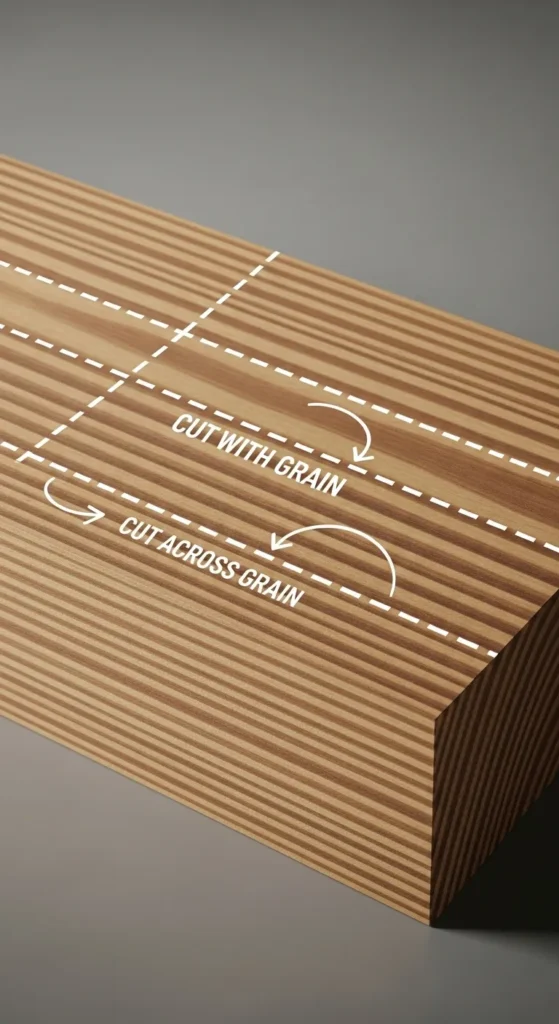
When using a cutlist optimizer, it’s important to consider the material grain, especially when cutting wood. Grain direction can influence the strength and appearance of the material, so the optimizer should be set to account for these factors.
By planning your cuts according to the grain, you not only ensure the integrity of the material but also avoid unnecessary waste. This consideration helps create smoother and more aesthetically pleasing results, particularly in woodworking projects.
13. Group Smaller Pieces Together
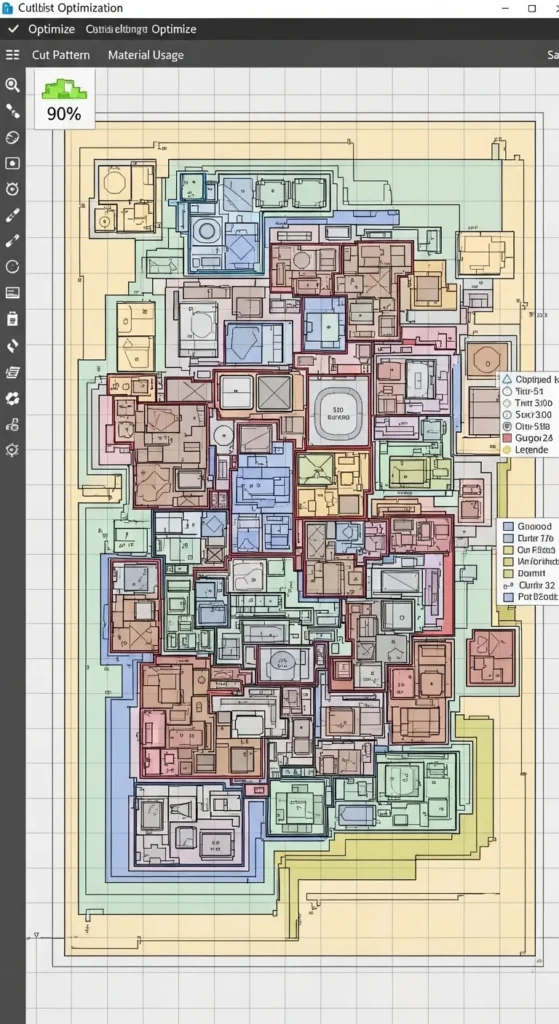
Grouping smaller pieces together in the cutting plan helps maximize the use of leftover material. The cutlist optimizer can rearrange small pieces to fit into remaining sections of material, reducing waste. This is especially useful for projects with multiple components that can be nested efficiently.
By grouping smaller parts together, you ensure that every square inch of material is used, which ultimately leads to lower material costs and less waste. This strategy is perfect for maximizing savings, especially on smaller-scale projects or when working with scraps.
14. Take Advantage of Material Nesting
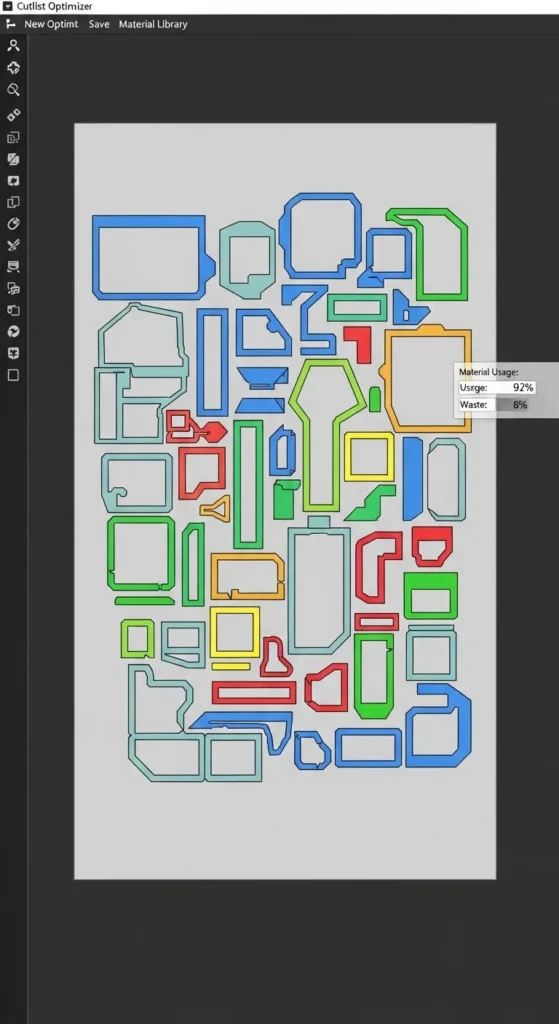
Material nesting is a key feature in most cutlist optimizers, allowing you to arrange parts in such a way that they fit perfectly within the material, reducing waste. By utilizing nesting algorithms, the optimizer can rearrange the pieces to achieve the most efficient layout, ensuring minimal scrap.
This technique is ideal for larger projects where multiple pieces need to be cut from a single sheet or board. It saves time, reduces material usage, and helps optimize your costs by fitting more parts into the same material.
15. Regularly Update Material Inventory
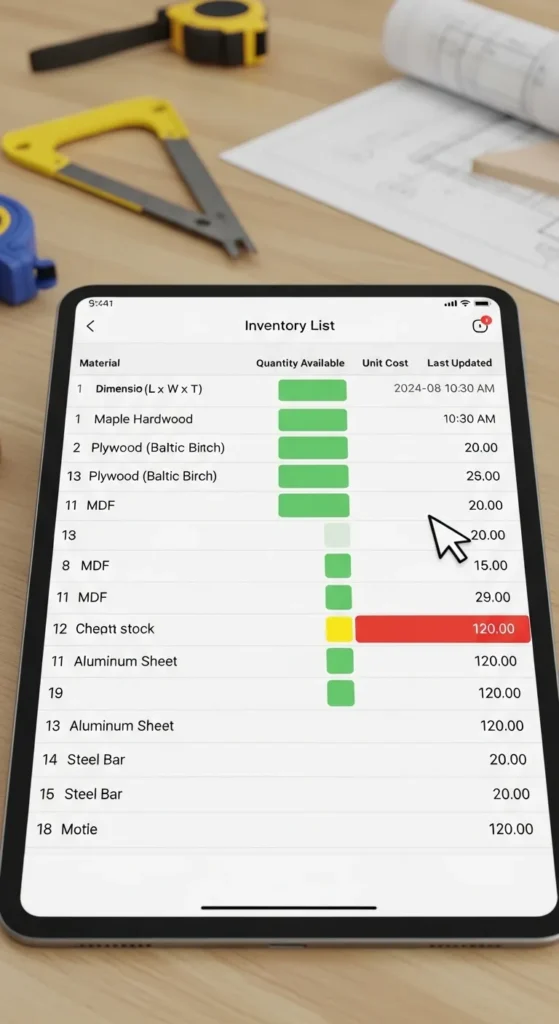
Regularly updating your material inventory is essential for efficient use of a cutlist optimizer. When the optimizer knows the exact quantities and sizes of materials available, it can create more accurate and efficient cutting plans.
Keeping an up-to-date inventory helps avoid overordering or underordering materials and ensures that the cutlist optimizer can work with real-time data. It also helps identify leftover materials that can be used in future projects, reducing waste and saving costs.
16. Use Pre-Cut Materials for Smaller Projects
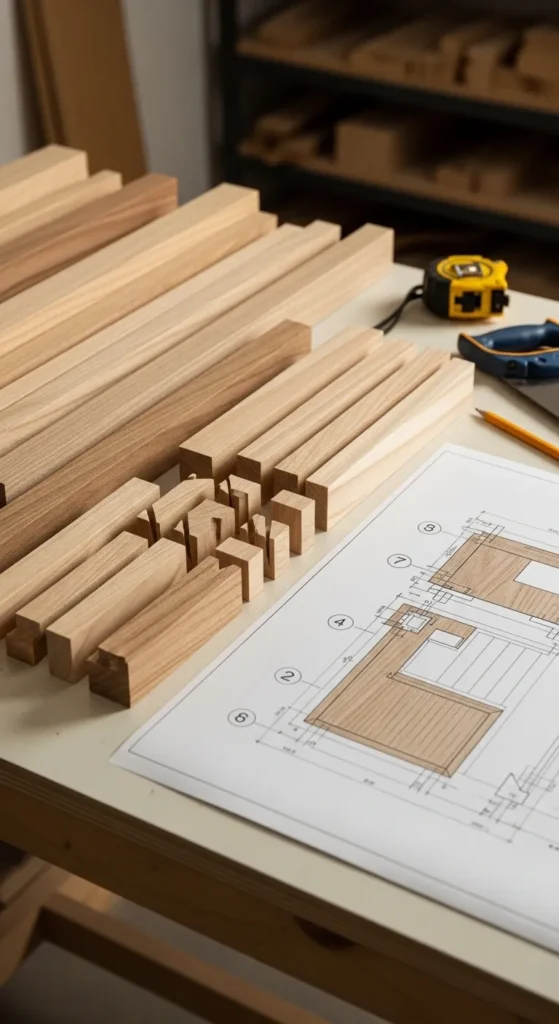
For smaller projects, using pre-cut materials can help save time and money. These materials are often more affordable and can be cut more efficiently, as they’re already sized for specific uses.
By selecting pre-cut materials, the cutlist optimizer can create even more efficient cutting plans, as it minimizes the time spent measuring and planning. This approach is perfect for projects that require multiple identical pieces or smaller components, streamlining the cutting process and reducing waste.
17. Plan Cuts to Avoid Large Offcuts
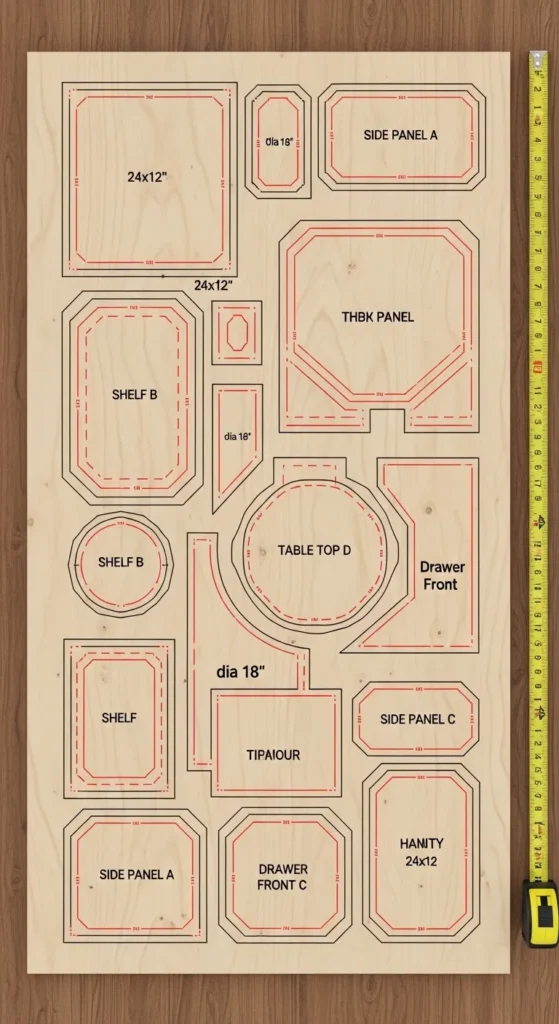
When using a cutlist optimizer, it’s crucial to plan cuts that minimize large offcuts. Avoiding large waste pieces allows you to make better use of your materials, ensuring that every cut counts.
By adjusting your cutting patterns to reduce large offcuts, you can maximize material efficiency. This is especially important when working with expensive or hard-to-find materials, as minimizing large scraps helps preserve resources and cuts down on material costs.
18. Account for Different Cutting Methods
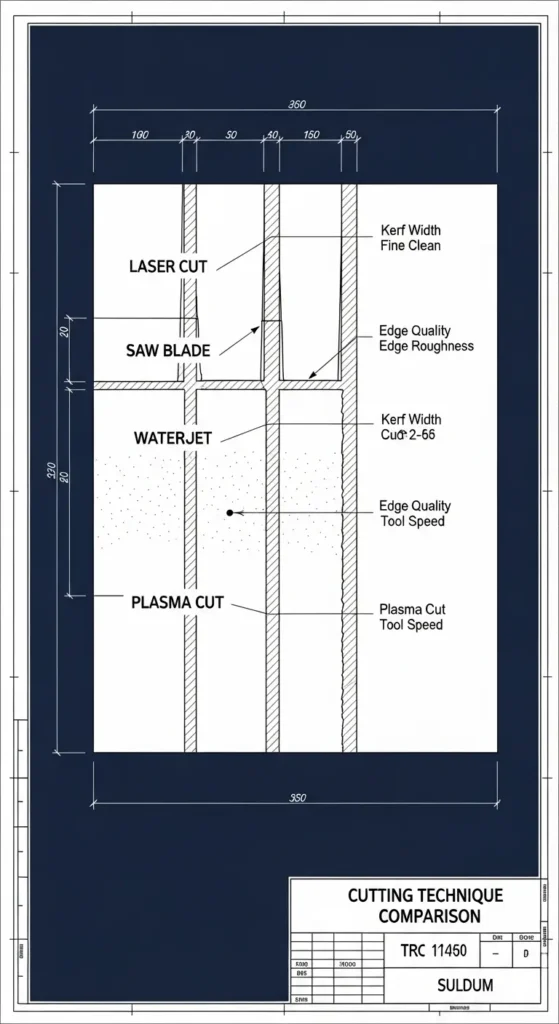
Different cutting methods, such as using a table saw or laser cutter, can affect the way material is used. Some methods create more waste than others, so it’s important to input the correct cutting technique into the cutlist optimizer to account for these differences.
By considering different cutting techniques, the optimizer can adjust its plans to create the most efficient cuts. This helps reduce waste caused by tool-specific issues like kerf size or cutting accuracy, ultimately saving you material and money.
19. Use Material Grain to Create Visual Appeal
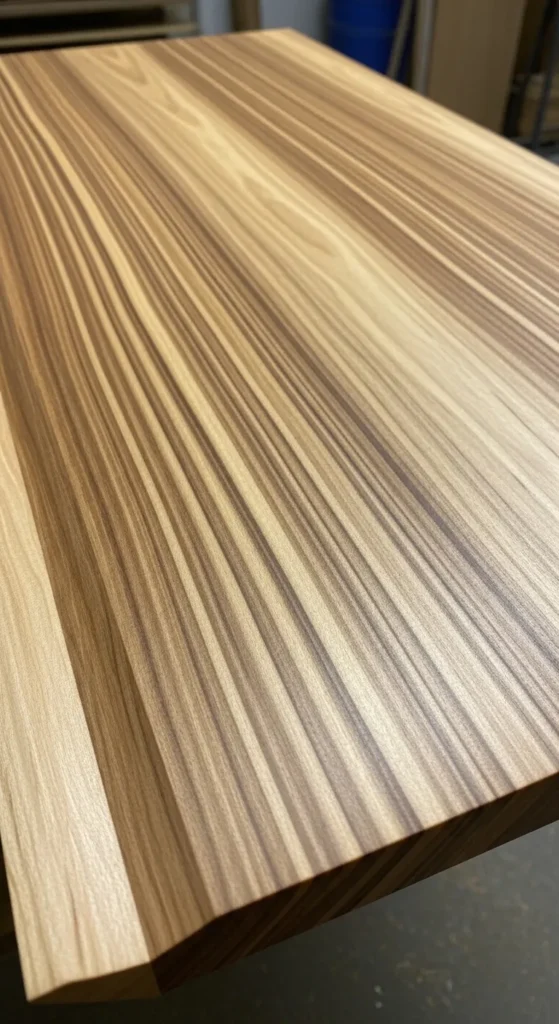
The grain direction of materials, especially in wood, can influence the aesthetic of your finished product. When using a cutlist optimizer, ensure that the grain patterns align in a way that enhances the visual appeal of the project.
By planning your cuts according to the grain, you not only achieve a stronger final product but also enhance its appearance. This step helps maintain the natural beauty of the material while maximizing its use, ensuring that your projects look and feel polished.
20. Optimize for Batch Production
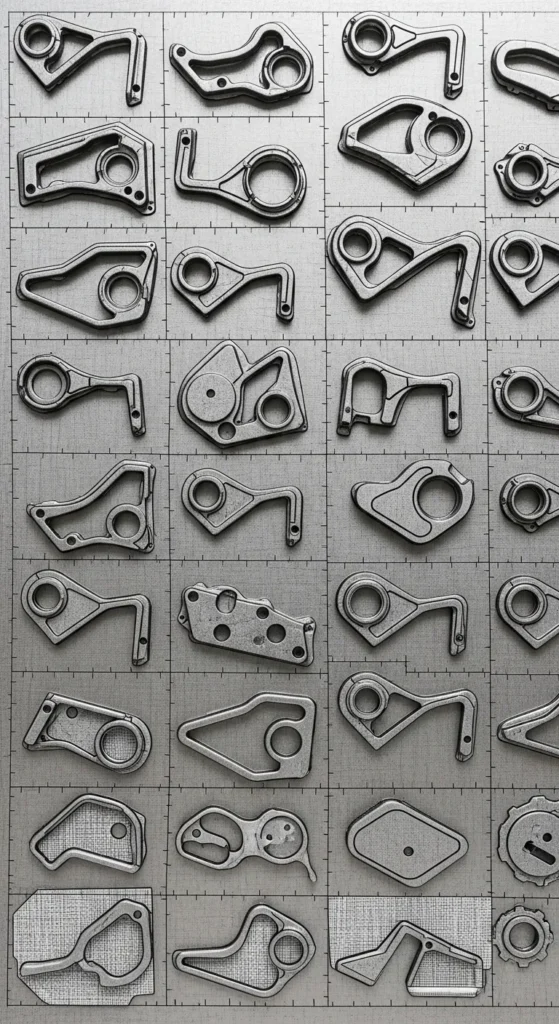
When producing multiple identical parts, optimizing the cutlist for batch production ensures that you make the best use of your material. By grouping similar cuts together, the cutlist optimizer can create a plan that maximizes material efficiency across the entire batch.
Batch production is a cost-effective approach, especially for larger projects. The optimizer helps streamline the cutting process, ensuring that all parts are cut efficiently and reducing the overall material waste. This approach is ideal for mass production or when making multiple units of the same component.
21. Review Cutlist Regularly for Improvements

Regularly reviewing your cutlist is key to improving efficiency over time. By analyzing the cutting plans and identifying areas for improvement, you can make adjustments that reduce waste and increase material savings.
Reviewing your cutlist allows you to evaluate how well your cuts are performing and make necessary changes, such as adjusting the layout or cutting order. This continual improvement process helps optimize your material usage and further enhances the savings you achieve through your cutlist optimizer.
Conclusion:
These 21 cutlist optimizer tips are designed to help you maximize savings and minimize material waste. By understanding the importance of planning, optimizing for specific cutting methods, and considering material grain and inventory, you can significantly reduce costs and improve project efficiency. Embrace these tips to get the most out of your cutlist optimizer and create more sustainable, cost-effective production processes.